

Your cart is empty
Your cart is currently empty. Let us assist you in finding the right product.


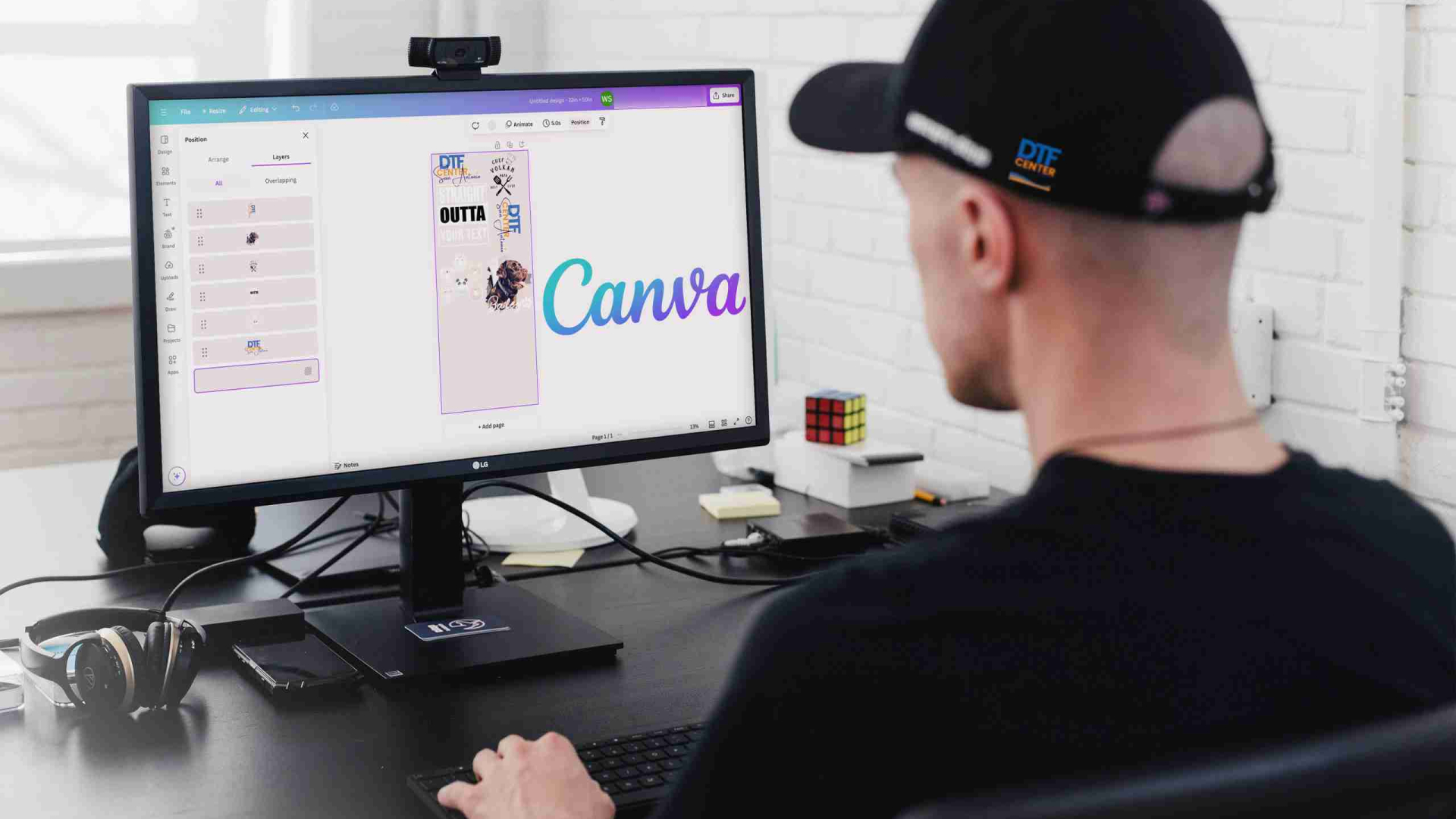
Creating a DTF gang sheet is one of the best ways to save money, fit multiple designs on one print, and speed up your workflow. Canva makes this process simple, even if you are a beginner. Follow this clear step by step guide to build a perfect DTF gang sheet for printing. 🎨🔥
A DTF gang sheet is one large sheet that contains multiple designs. You can include different graphics or multiple copies of the same design. This helps you:
Gang sheets are ideal for small business owners, creators, crafters, and apparel brands.
🎨 Tip: Keep your DPI high when exporting later. This ensures a crisp print.
🔥 Cleaner files mean cleaner prints.
💡 Think of your layout like Tetris. Fill gaps with smaller graphics to maximize space.
Before exporting, confirm these:
✔ Clean layout = clean gang sheet.
📁 Large high quality PNG files print best.
Once your PNG file is ready, upload it to your DTF printing service. Your gang sheet is now print ready and optimized for the best results.
⭐ Use high resolution artwork
⭐ Fit designs tightly to avoid wasted space
⭐ Group similar designs together
⭐ Keep text readable and lines thick enough
⭐ Avoid fuzzy edges, glows, or soft shadows
⭐ Always export at full resolution
Building your DTF gang sheets in Canva is fast, easy, and efficient. With a 22 inch wide canvas, clean spacing, and a high quality PNG export, you can pack multiple designs onto one sheet and save both time and money. Perfect for creators, crafters, small businesses, and apparel brands. 🚀
Discover more stories and style tips to keep your inspiration flowing.
Buy $100.00 more to get free shipping
Your cart is currently empty. Let us assist you in finding the right product.